Bixpy Support Center

Welcome to the Bixpy Support Center. Whether you need help installing your motor, finding the right adapter for your watercraft, troubleshooting an issue, or submitting a warranty claim, you will find everything you need right here. Browse our setup guides, check compatibility with the YMM chart, open a support ticket, or connect with the Bixpy community.

Get in Touch
If you’re looking to power your watercraft and aren’t sure where to start, don’t hesitate to reach out.
contact us
Need Help?
If things go wrong with your Bixpy product, we’re here to help and we’re here to make your experience pleasant.
Open a Support Ticket
The Bixpy Buy-Back Program
Ready for something new? The Bixpy Buy Back Program makes it easy to trade in eligible products and upgrade your setup.
View Program Details

Spare Parts

shop all spare parts

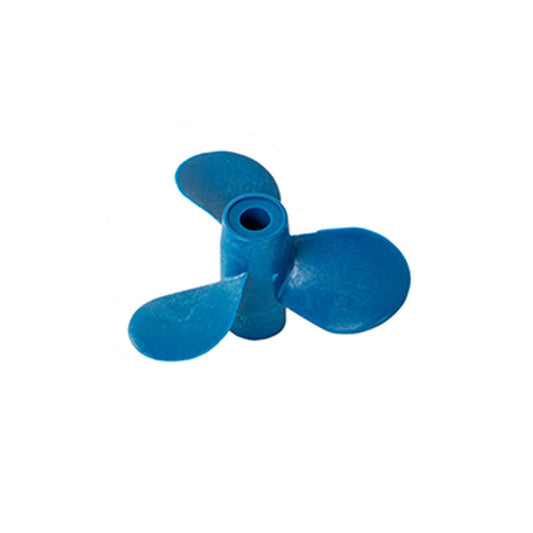
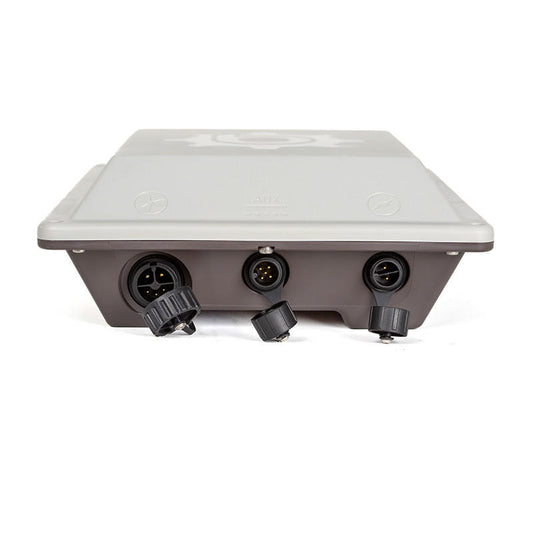
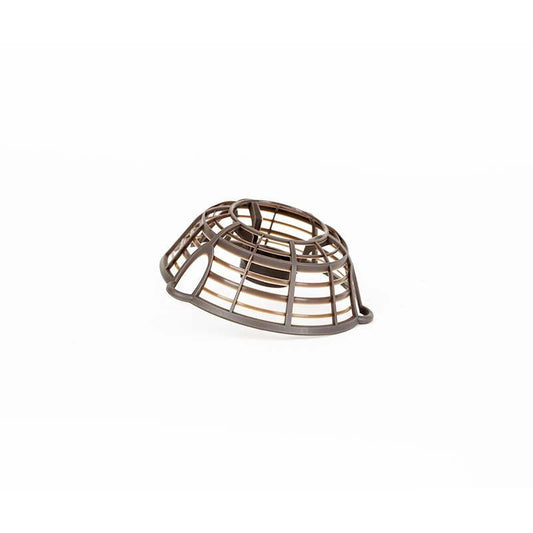
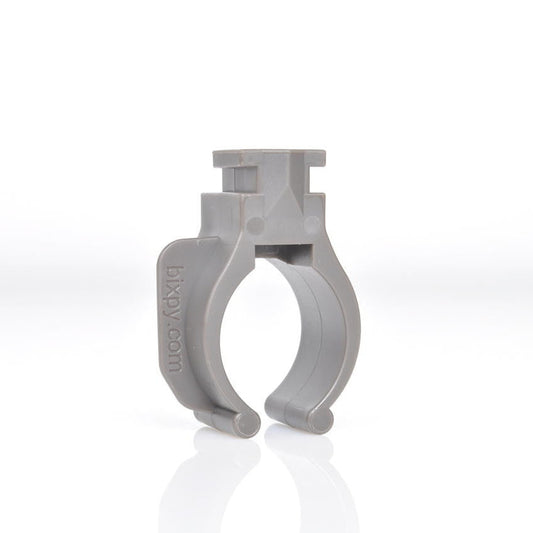
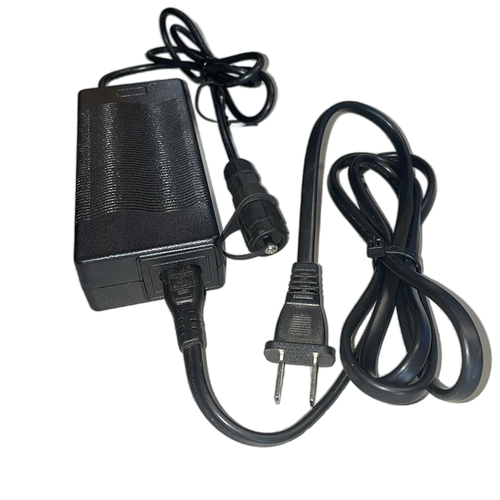
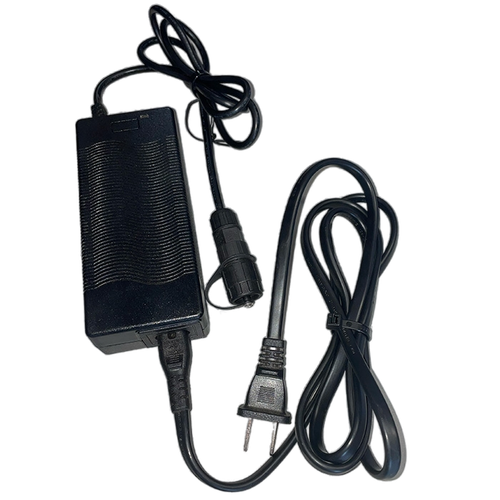
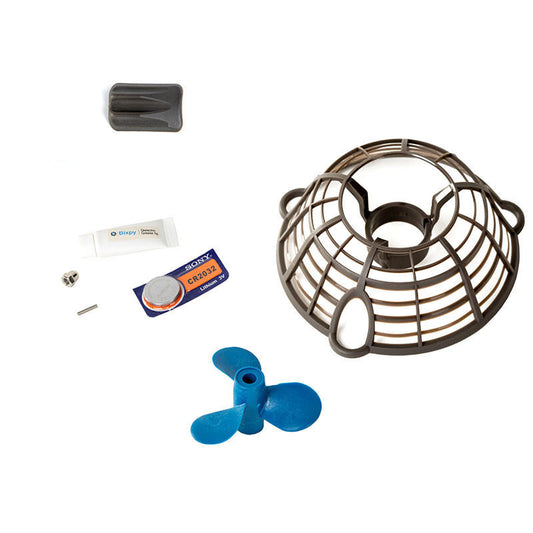
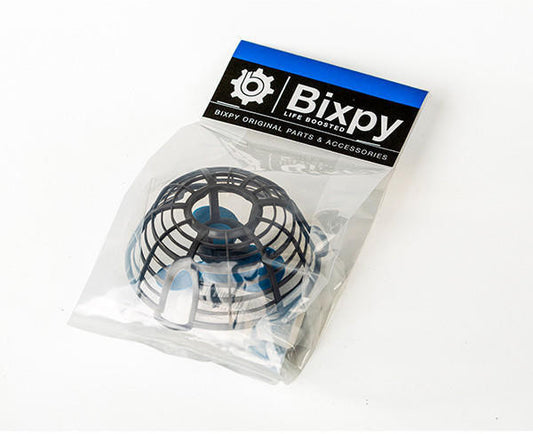
If you're looking for Bixpy spare parts, you'll find virtually any item you need to repair or maintain your Bixpy Motor, Power Packs and Adapters here.
shop all spare parts
peace of mind

Our Warranty

At Bixpy, we design and build products for adventure and stand behind their quality. If a Bixpy product is found to have a defect in materials or workmanship during the applicable warranty period, Bixpy will, at its discretion, repair or replace the product or affected component in accordance with the terms of this Limited Warranty.

warranty information

FAQs & Troubleshooting

see all FAQ

Find quick answers about the Bixpy Motors, power options, mounting, compatibility, performance, and more.

see all FAQ

FAQs

Which Bixpy adapter will fit my watercraft?

Bixpy offers 30+ different mounting adapters, providing multiple options to motorize your watercraft. To find the right adapter for your watercraft, visit our Compatibility Chart.

When is the best time to buy Bixpy products? Do products ever go on sale?

To be fair to everyone involved, we sell the Bixpy motors and batteries at the lowest price we can, without compromising the quality of our products. As such, we keep the price stable and avoid constant price fluctuations. That way you don't have to wait for "Sales" and holidays to buy your Bixpy gear! We do occasionally have specials that offer discounts on other products when purchasing the kits at full price. Additionally, we will offer refurbished and factory-seconds kits at a reduced price from time to time, though there is no set timeline for when these types of products are available. In order to be notified about these special savings events, please make sure you are subscribed to our email and text newsletters.

What kind of maintenance does a Bixpy outboard motor need?

Our Bixpy motors need minimal maintenance: When used in saltwater, a quick rinse with freshwater upon removal from the water is recommended. Periodic removal of the shroud and propeller is recommended to check for grass, weeds, fishing lines, or other materials that can become entangled in the propeller and shaft. Outboard batteries require a bit of attention, just like any Lithium batteries. Batteries should never be stored either completely charged or completely discharged; a 40-80% charge is ideal for storage. During periods of non-use, batteries should be plugged in roughly every 90 days to prevent complete discharge.

What is the warranty on my Bixpy Motor and Outboard Battery?

Please refer to this page for all details about our warranty program. Please remember that the warranty covers manufacturer defects and malfunctions. The warranty does not cover breakage, mistreatment of your device, or use that exceeds the product's intended design capabilities.

Where can I find installation help and installation guides?

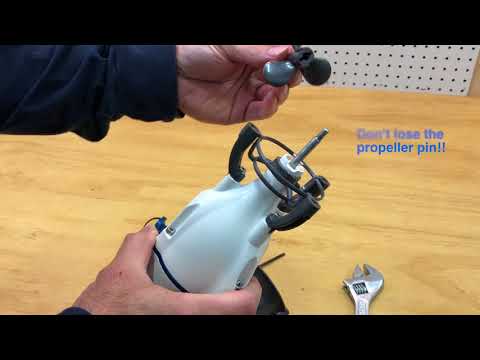
You can find all our installation guides at: https://bixpy.com/guides. We also have videos on our YouTube Channel, including user-contributed content. We'll keep adding more content as we receive more feedback and questions from our users.

Troubleshooting: Motors

K-1 Motor doesn't run or stops and beeps randomly

The most common issue is a connector that is not mated well and letting water into the connector and shorting the pins. Remove connector, dry everything and try again. Watch this video for tips on properly mating your connector.

K-1 Motor runs perfectly for a few seconds and stops completely, even in air

This typically happens when the system detects a break in the circuitry. Most common cause of this is broken small pins in the connectors or power wires. If you have broken pins in the connector you will need to send us the motor and battery for repairs. Open a Support Ticket for assistance with this issue.

Motor runs as soon as it is plugged in to the battery, either at full speed or just randomly on and off

It is possible because of defect or damage that the motor or battery has taken on water. Open a Support Ticket for assistance with this issue.

Motor won't stop running

It is possible because of defect or damage that the motor or battery has taken on water. Open a Support Ticket for assistance with this issue.

Troubleshooting: Batteries

Wireless remote not working

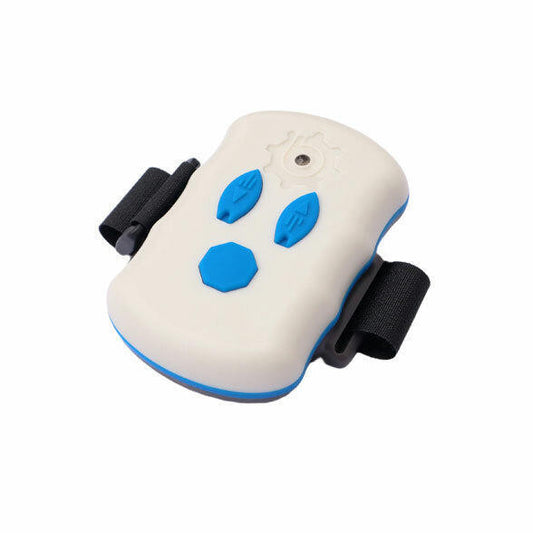
  • It is possible that the watch battery in your remote control is dead. This is a battery that needs to be changed from time to time. Follow this link to see video instructions on how to replace your remote battery.
  • Your Bixpy Outboard Battery with either white or blue LED lights can be synced with their remotes. If you have changed your remote's button-cell battery or for some reason un-synced your Outboard Battery from your remote, click here to see a short video on how to sync them again.

Battery LED window is foggy

Water has entered your battery housing. This may either cause the battery to short out completely and die or act bizarrely for a while and then eventually shut off and stop working altogether. This includes self triggering and other unpredictable behavior. 

In this case contact us immediately for help: support@bixpy.com. Stop plugging the motor into the battery, as you may cause additional damage. 

In the very unlikely event the battery may be smoking or overheating, dispose of it immediately and do not place near anything valuable, indoors or near flammable material.

NEVER charge a battery you suspect of being damaged or waterlogged!!

Charger is not charging my battery

Your charging "brick" has an LED indicator that will either be green or red. 

When you first plug your wall charger into the wall, you should get a green light. If you see no light, then your charger may be defective or your charging pins may be shorting out at the charger port. 

If the LED does not turn red when you plug into your battery and your battery is not full, then you may have a bad charging board or Battery Management System in your battery. Please contact us to help you resolve your issue further by completing a support ticket here. 

Battery doesn't run motor, beeps and flashes

  • Check that your connectors are mated well and not causing water to penetrate and short them
  • Check that the motor is not damaged, cracked or water slushing inside.
  • Check that the motor and battery connectors are not damaged or have broken pins
  • Check the integrity of the cable to your motor. Are there any nicks and tears on the cable sleeve? This can lead to motor damage by water intrusion.

Battery has shut off completely and no LEDs come on when engaged

  • Check that your battery is charged. Plug in your wall charger and let the battery charge. If your charger or battery is not responding, contact us for further assistance.
    NEVER charge a battery you suspect of being damaged or waterlogged.
  • Water in the connectors can short the battery and thereby cause it to shut down internally to protect burning out circuitry.
  • The other cause of battery shutdown is a jam in your propeller that will result overdraw from the battery and motor and thereby shut down the battery for safety.
    To reset your battery, disconnect the motor from the battery and plug in your charger (under power) to reset the internal circuitry and bring your battery to life.

Troubleshooting: N-3

Screen is showing an error code

Please refer to Page 16 of the User Manual and Safety Guide for a list of error codes for the N-3.

The propeller is not rotating

1. Check the propeller for fishing line, weeds, or other debris.
2. Check whether the battery charge state is low.
3. Check whether the kill switch is in place.

Motor is shaking and making excessive noise

1. Check whether the propeller is firmly installed. If it is loose, reinstall the propeller.
2. Check whether the motor shaft is bent. If bent, submit a Support Ticket. 3. Disconnect the power supply and turn the propeller by hand. If the propeller cannot turn, submit a Support Ticket

Motor was running well, but suddenly slowed down

As a safety feature, the N-3 automatically reduces maximum power output when battery charge level is below 30%.

Motor will not operate once turned on

Check that the throttle was in neutral (centered) position when the motor was powered on. If not, bring the throttle to neutral to "reset", then turn in desired direction of operation.